Google Business Profile Verification: Step-by-Step Guide
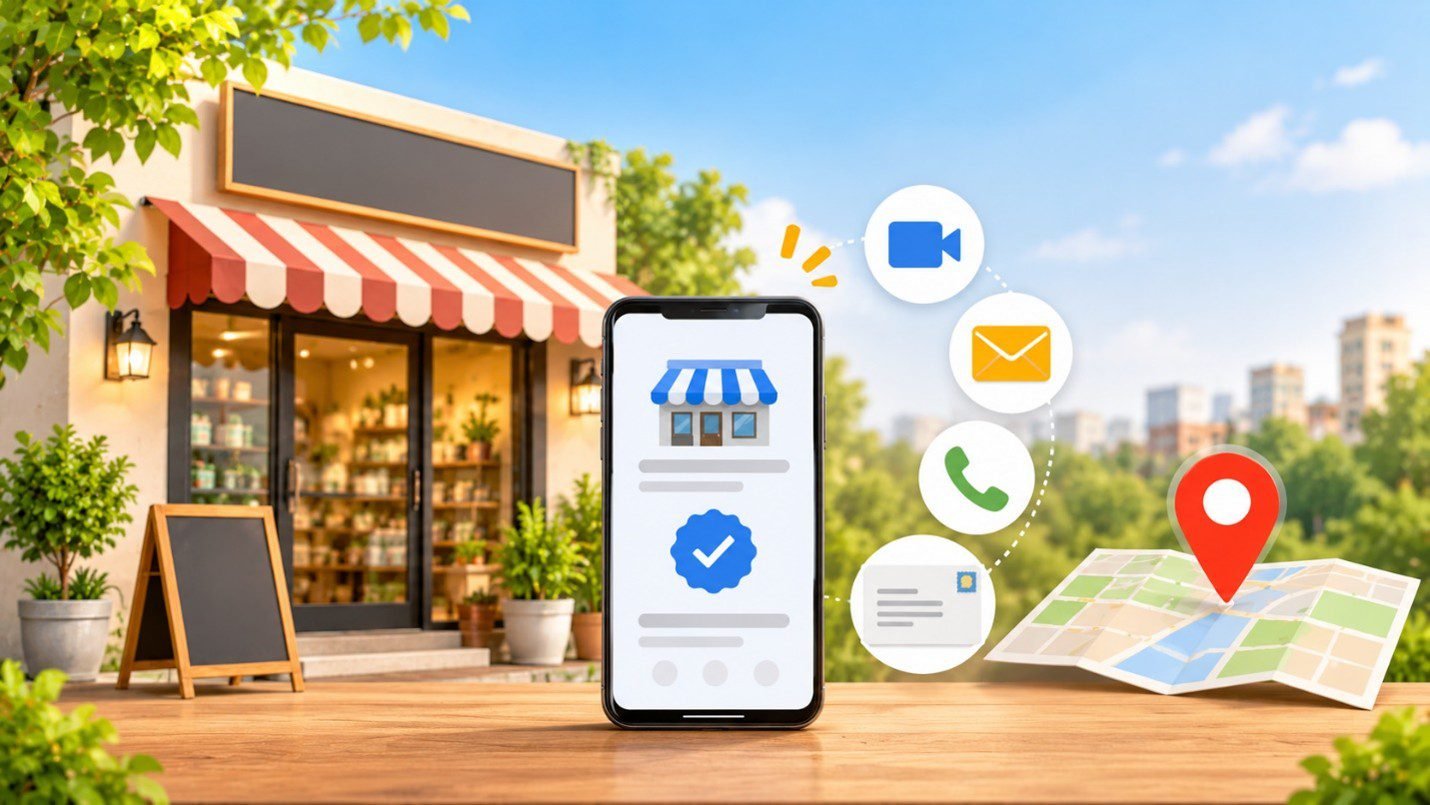
Google Business Profile Verification: A Plain-English Walkthrough
Setting up a Google Business Profile is the easy bit. Verification is where most people get stuck. It’s Google’s way of confirming that your business is genuine and that you are the owner of it. Until you’ve got verification you can’t actually edit your profile at all and it won’t appear on Maps or Search.
The good news is that verification is free, it’s typically very quick and most of the delays are down to minor mistakes that can be easily avoided. That’s how we at Ayn Media would go about it.
Who should verify, and why it matters
The business owner should complete the verification using a Google Account that they control. If at any point you bring in an agency or a freelancer then add them as a manager rather than giving them ownership of the account so that the profile remains yours. Keep your verification code to yourself as well. No legitimate Google contact will ever ask you for it.
The verification methods
Google decides which options appear for your business, so you may not see all of these:
- Video: One continuous, unedited clip of at least 30 seconds, filmed on your phone. It must show the location, the business and proof that you’re the one who runs it. Google will generally prefer this approach if you can provide it.
- Live video call: A very brief call with a Google rep during business hours. Not available to all.
- Either a phone or a text (i.e. a business number that can receive a call or a text). Automated phone menus can’t receive the code.
- Email: Needs access to the email address as shown on the verification screen.
- Postcard: a 5 digit code sent by post. Usually arrives in about 14 days and expires after 30.
- Instant: Only in the rarest of cases (e.g. a property that’s already been verified in Search Console).
How long it takes
Once you’ve completed the steps, Google’s review can take up to 5 business days. If you’re taking over a profile that someone else has already verified then the current owner get 3 days to respond. After that the majority of the edits will appear within minutes although a few will take longer.
Why verification fails, and what to do
| What went wrong | What to do |
| You asked for a second postcard | Wait for the first one. A new code will cancel the old one and can of course slow things down. |
| You edited your name, address or category while a postcard was in the mail | Hold all changes until you’ve entered the code. |
| Your video missed something | Check the review notice, then record again with the gap now fixed. |
| The business isn’t eligible | Eligibility requires face to face contact with the customer. Online only businesses, lead gen companies, P.O. boxes and virtual offices generally won’t qualify. |
| Your name doesn’t match real life | Use the same name on your signage, your website and all your printed material. |
| A duplicate listing exists | Claim the existing profile. Each business only gets one. |
If the “Get verified” button comes back then the check hasn’t completed. Fix the root cause, try any other method you’re offered and only then get in touch with Google Support.
Home-based and service-area businesses
If people don’t come to you then just hide your home address. Google will still check it but the public will only see your service area. List that service area by city or postcode (up to 20 locations) and bear in mind that one profile will cover all of those.
For your video you’ll need to show a local sign or landmark, your tools or your branded vehicle and a document in the business name (so a permit, an invoice or a utility bill would all be suitable). It’s also worth checking with your local authority whether there are any rules around home businesses.
After you’re verified
Keep your owner account active and your details stable as significant changes can result in re-verification. Be very wary of anyone claiming to be from Google or asking for your code without your permission.
Verification is the starting point not the end. It’s the accurate categories, the good photos and the consistent reviews that actually go some way to helping people make their decision. If you’d like some support with the next steps then our SEO team in Chennai are working on local visibility every day or you can get in touch with Ayn Media and we’ll go through your profile with you.